Equipment spec sheets & brochures
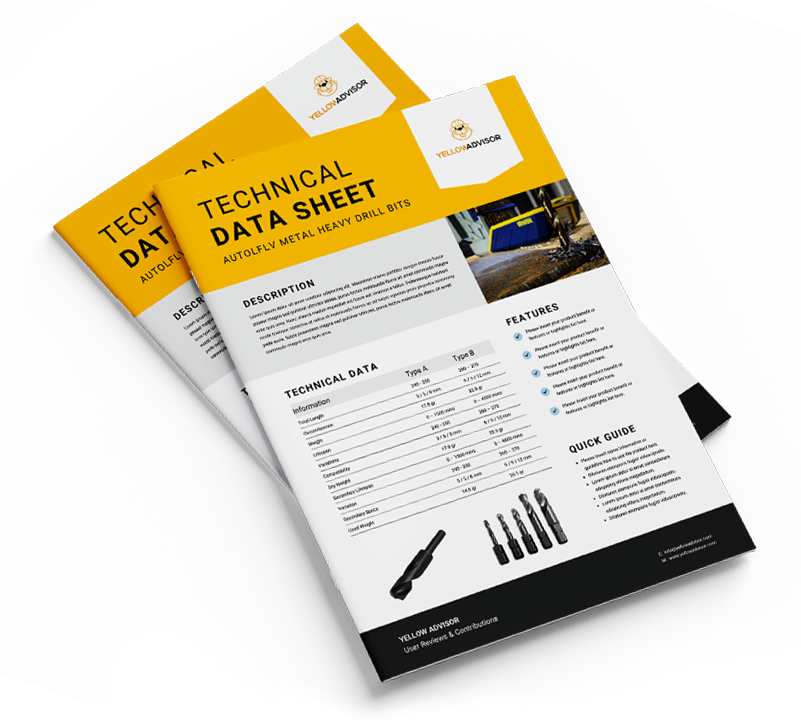
Get the technical data sheet for construction, agricultural and industrial machines — straight from our library of manufacturer documents.

- 1Choose machine
- 2
- 3
Which machine do you need specs for?
How it works
- Step 1
Find your machine
Search by brand and model to see every document we have on file.
- Step 2
Pick a document
Choose a PDF brochure, or the full spec sheet shown right on the page.
- Step 3
Get it instantly
PDFs land in your inbox within minutes; spec sheets open straight away.
Questions, answered
Looking for more machines? Browse the specifications catalog.
Are the spec sheets free?
Yes. Every brochure and specification sheet on YellowAdvisor is free to download — you only need to tell us where to send it.
Why do you ask for my email and company?
PDF brochures are delivered to your inbox as a download link. Your company name and whether you are buying or selling help us understand who uses these documents. We don’t send spam.
What is the difference between a PDF and the spec sheet?
PDFs are the manufacturer’s own brochures and data sheets, sent to your email. The spec sheet is YellowAdvisor’s structured list of specifications for the model, shown immediately on screen.
I can’t find my model. What can I do?
We only list models that have at least one document. Try another model from the same series, or browse the full specifications catalog for more machines.
The email hasn’t arrived.
Delivery usually takes a minute or two. Check your spam or promotions folder, and make sure the address you entered is correct — you can request the document again at any time.